
Mix two songs with your keyboard
Three steps
1
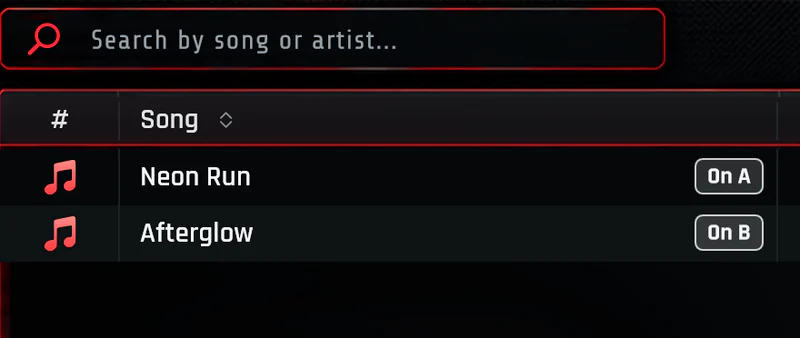
Choose your music
PixelDJ comes with two practice songs made for mixing, Neon Run and Afterglow. When you're ready, add your own songs from your computer.
2
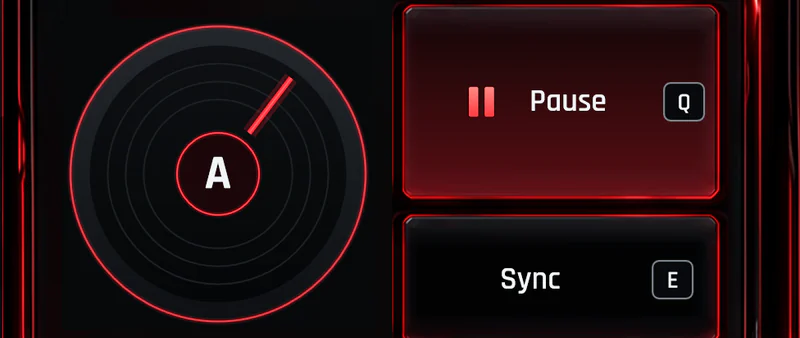
Use your keyboard
Your left hand plays Deck A and your right hand plays Deck B. The arrow keys slide the crossfader between them, and the number keys play sounds.
3
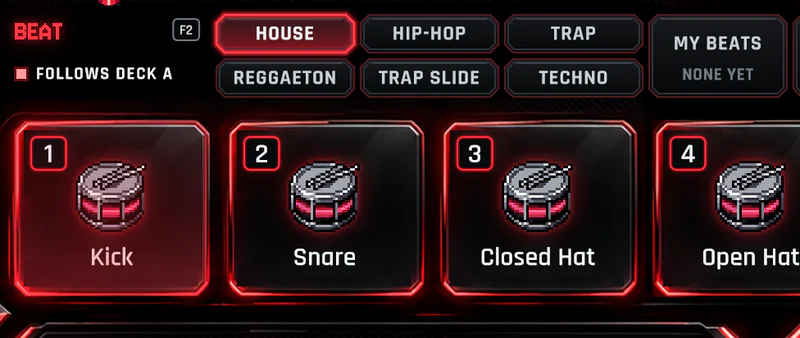
Make it your own
Add drums, loop part of a song, throw on an effect, and press F9 to record the whole thing.


What the words mean
- Deck
- Where a song plays. PixelDJ has two, Deck A and Deck B, so one song can play while you get the next one ready.
- Crossfader
- A slider between the two decks. All the way left you hear Deck A, all the way right Deck B, and in between a bit of both.
- Mix
- Sliding from one song into the next so the music never stops. That's most of what a DJ does.
- Tempo
- How fast a song is, counted in beats a minute. DJs write it BPM. PixelDJ finds it for every song.
- Sync
- Makes one song play at the same speed as the other, with their beats lined up, so they sound good together.
- Cue
- A spot you mark in a song to jump back to, like the start of the chorus.
- Bar
- Four beats, about two seconds in most dance songs. Loops and beats are counted in bars.
- Loop
- A piece of a song played over and over, to make a part last longer.
Your first mix, step by step
- Q
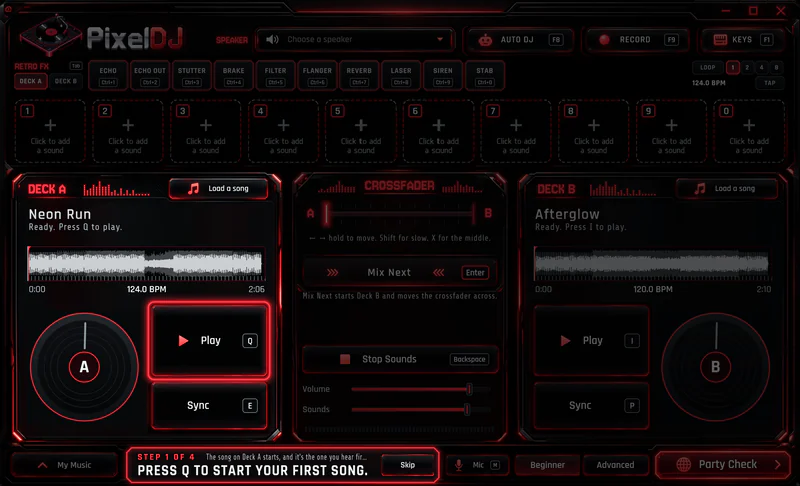
Step 1 of 4
Start Deck A
The app says, “Press Q to start your first song.”
- P
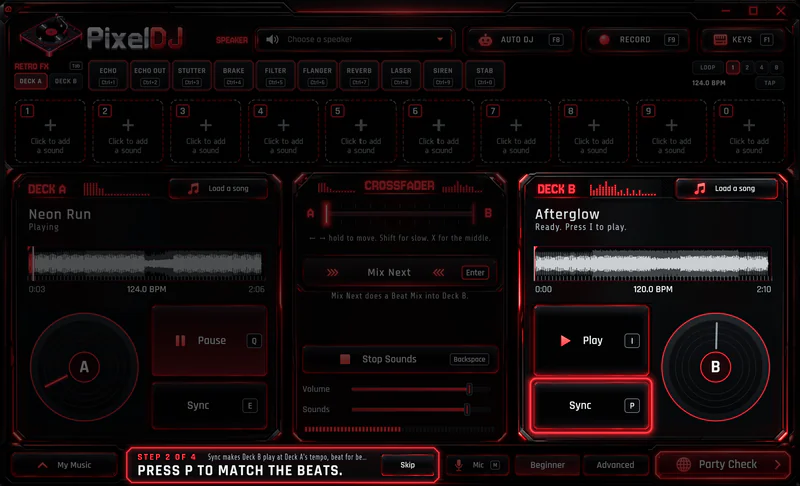
Step 2 of 4
Match the next song's beat
The app says, “Press P to match the beats.”
- I
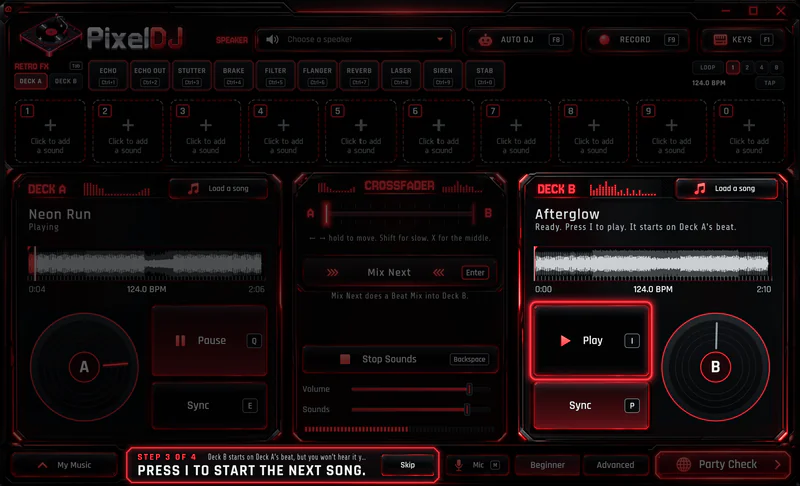
Step 3 of 4
Start Deck B
The app says, “Press I to start the next song.”
- →
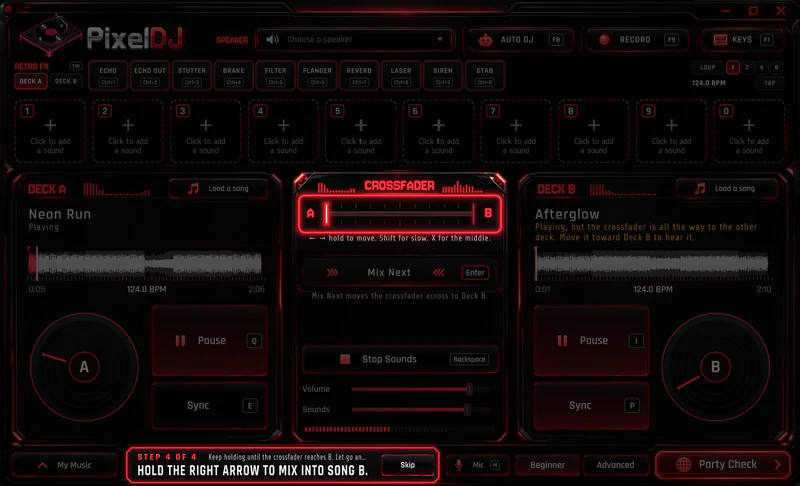
Step 4 of 4
Move the crossfader
The app says, “Hold the right arrow to mix into song B.”
Done
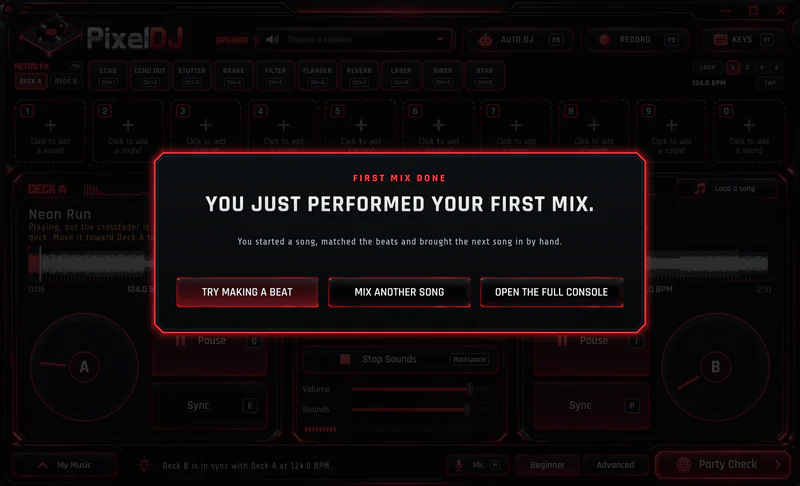
You just performed your first mix
Then PixelDJ offers three ways on. Try Making a Beat puts the drums on the pads. Mix Another Song opens your music to pick the next one. Open the Full Console leaves you to play.


Ready for your first mix?
Two practice songs come with PixelDJ, so you can start mixing the moment it opens.
Coming soon for Windows 10 and 11. A Mac OS version is on the way.